How to have an Unplugged Wedding
Phones are part of everyday life, but your wedding doesn’t have to be experienced through a screen.
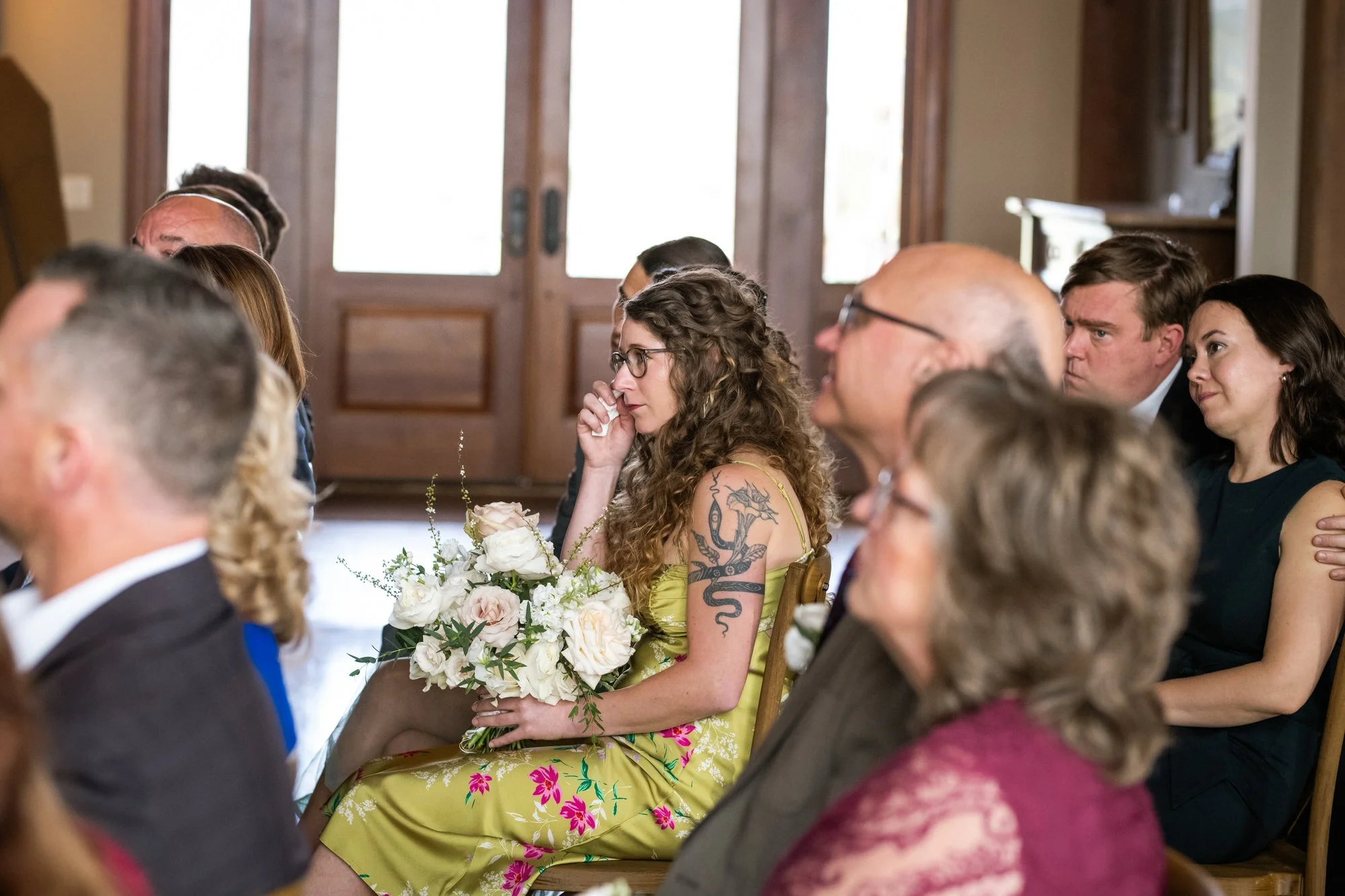
An unplugged wedding ceremony simply asks guests to put away their phones and cameras so they can be fully present. It also gives your photographer a clear view of the moments you’ve hired them to document.
After years of photographing weddings, it now feels like my responsibility to recommend holding an unplugged ceremony on your wedding day. I’ve found that guests with phone accidentally slip into photographer-mode more than guest-enjoying-a-moment-mode. It’s distracting for everyone and makes it harder for me to catch guest reactions.
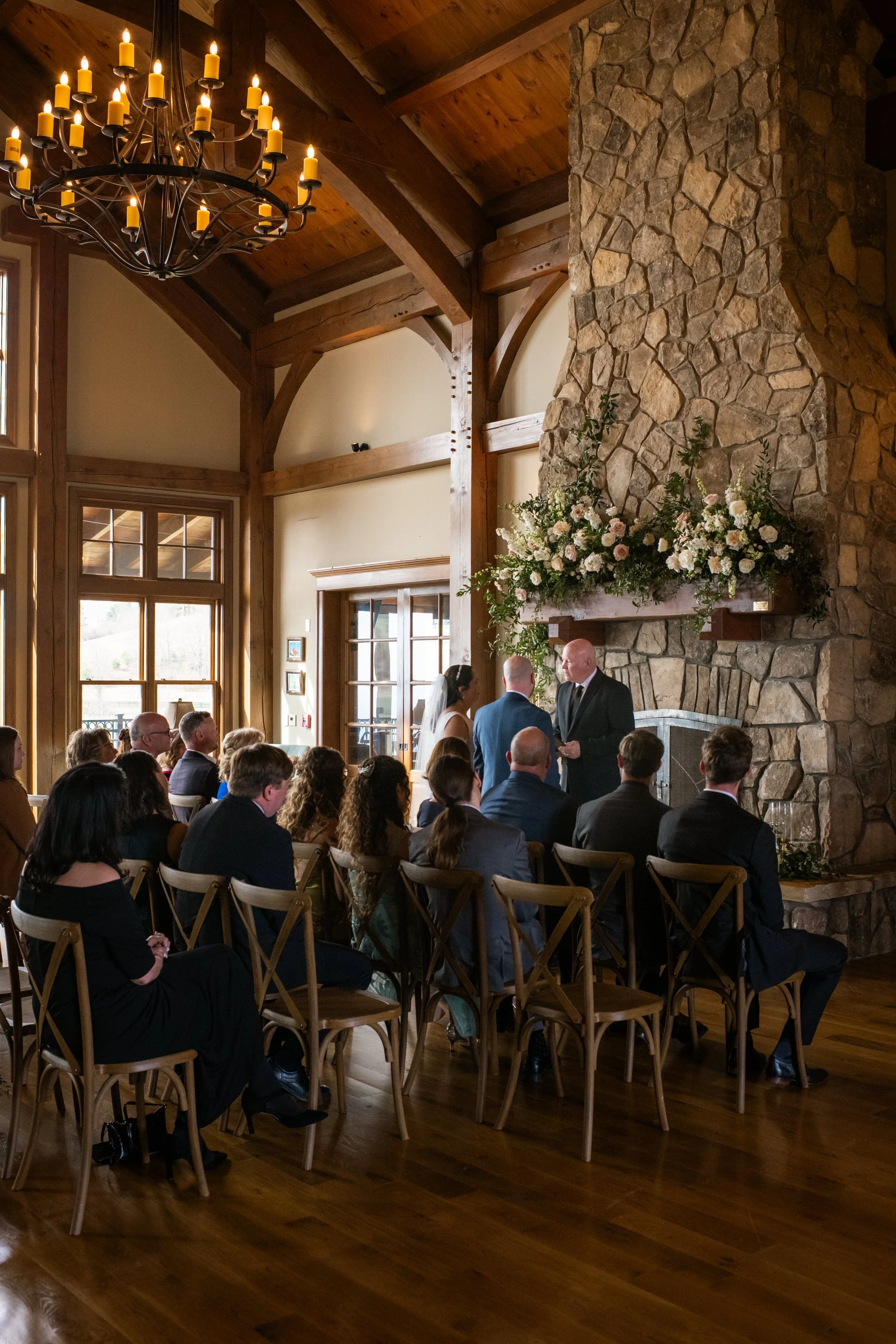
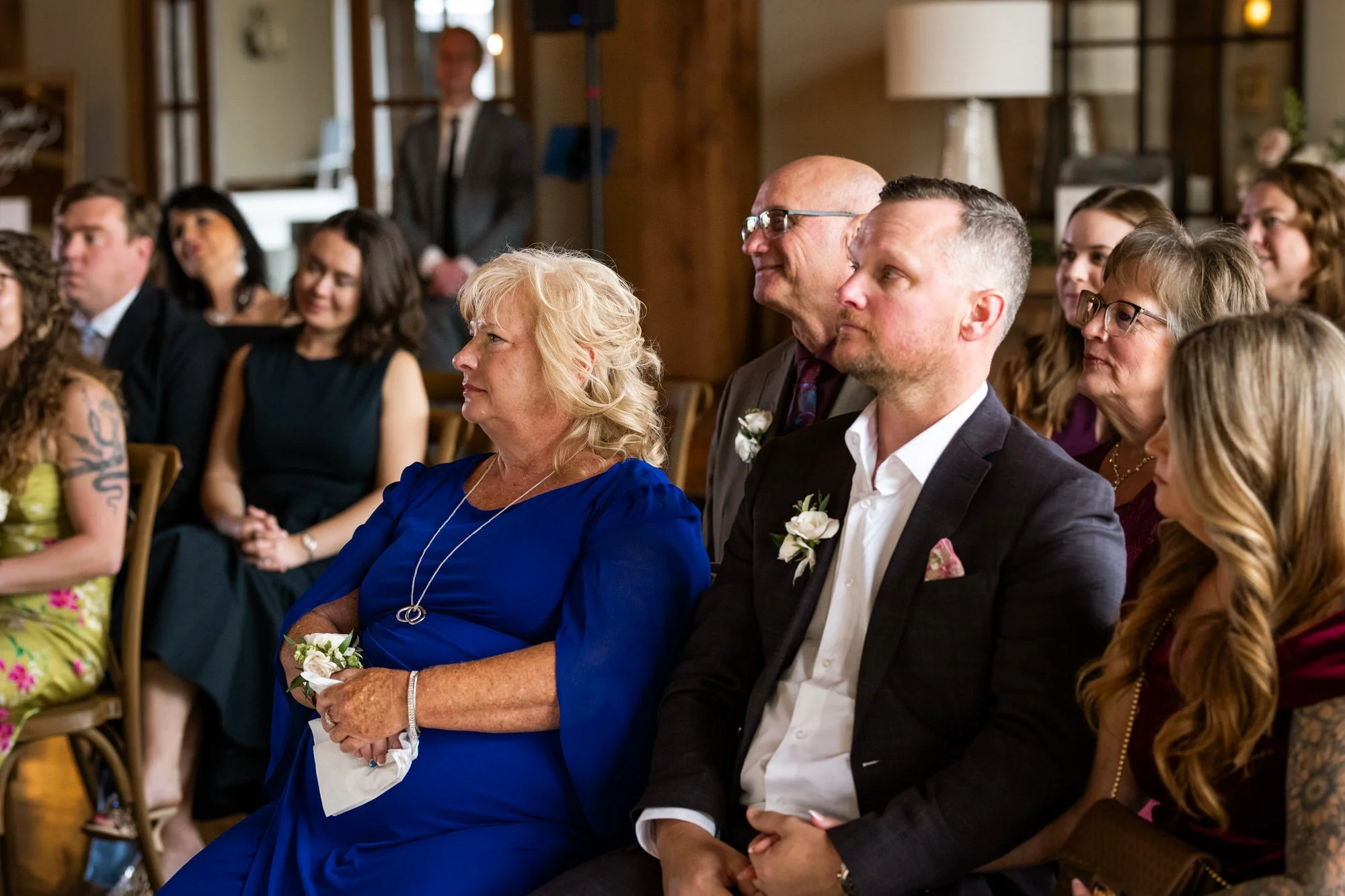
How to Easily go Unplugged:
Include a note in your invitations. If you think your guests will be bummed about an unplugged wedding, giving advanced notification will help you to avoid day-of drama and allow concerns to be addressed ahead of time. A good-natured insert in your mailed invitations works well.
Put a reminder in your program or set up a sign at the ceremony. The invites went out a while ago, your original request could be easy to forget. Let your guests know that you'll share the gallery link with them or when during the wedding day is appropriate to start "documenting".
Have the Officiant make an announcement. This is my personal favorite. Ask your officiant to offer a friendly reminder at the start of your ceremony, once everyone is seated. They could even offer a moment to ‘take your pics now’, give 30 seconds for guests to go wild and then say please be present at this time - no phones. A gentle mention is all you need - “Jessie and Chris ask that you silence and put away all phones at this time. They’re so happy to have you here and would like everyone to be fully present for the ceremony.”
Collaborate! If your brother wants to video your entire ceremony as a favor to you, I would never stand in the way of that! The best approach is to connect the photographer with the well-meaning family member in order to come up with a plan that works. I recommend setting up a phone or laptop on a stand out of the way for recording.